
Free Date Calculator
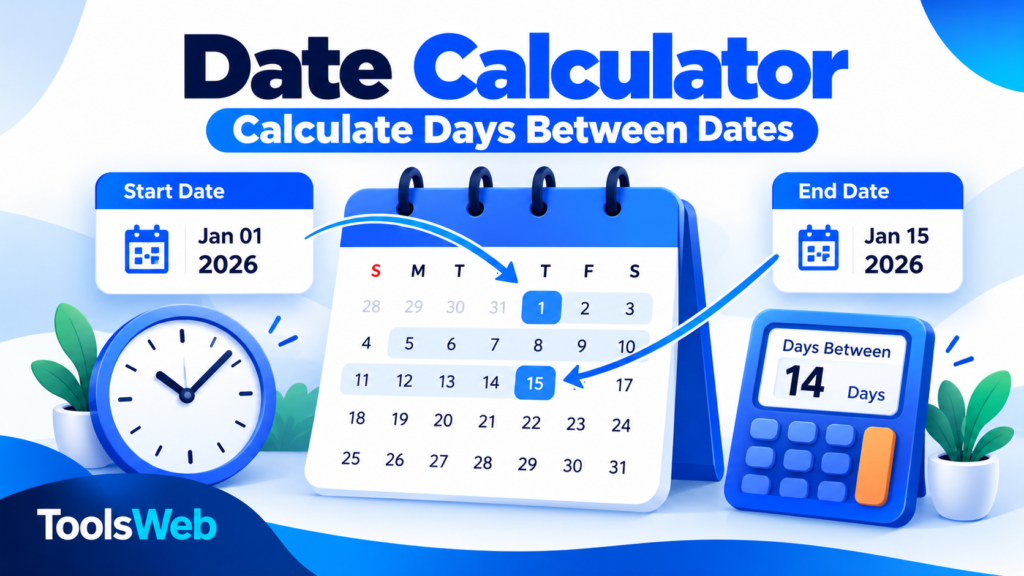
Calculate the days between two dates. Choose whether to include the start date in your count.
Calculate the number of days between two dates with our free online Date Calculator. Whether you are planning an event, tracking a deadline, organizing a trip, or calculating the time between important dates, this tool makes date calculations quick and simple.
What Is a Date Calculator?
A Date Calculator is an online tool that helps you calculate the number of days between two calendar dates. Depending on the selected options, a date calculator can also help you find a future or past date by adding or subtracting a specific number of days.
It is useful for personal planning, school assignments, project schedules, travel arrangements, and everyday date calculations.
How to Use the Free Date Calculator
- Select the start date.
- Select the end date.
- Click the Calculate button.
- View the total number of days between the selected dates.
- Change either date to calculate another date range.
Check both dates carefully to make sure the result matches your intended date range.
Features of Our Date Calculator
- Days between dates: Calculate the number of calendar days between two dates.
- Simple date selection: Choose dates using an easy-to-use date picker.
- Quick results: Calculate date differences in seconds.
- Useful for planning: Check the length of holidays, trips, projects, and other events.
- Free online access: Use the tool without installing software.
How Are Days Between Dates Calculated?
The number of days between two dates is calculated by finding the difference between their calendar dates. For example, the difference between March 1 and March 8 in the same year is 7 days.
Some calculations count the start date and end date inclusively. If both dates are included, the example above covers 8 calendar dates. Always check whether you need the standard date difference or an inclusive count.
Common Uses of a Date Calculator
- Event planning: Find how many days remain until a special occasion.
- Travel planning: Calculate the length of a trip.
- Project management: Measure the time between a project start and finish date.
- Personal milestones: Find the number of days between important events.
- Study planning: Calculate the time available before an exam or deadline.
Frequently Asked Questions
Is this Date Calculator free?
Yes. This online date calculator is designed to help you calculate date differences for free.
Can I calculate the number of days between two dates?
Yes. Select the start and end dates, then use the calculator to find the difference in calendar days.
Does the calculation include the start date?
The standard difference between two dates does not count both endpoints as separate days. If you need an inclusive count, add one day to the standard difference when both dates are included.
Do leap years affect date calculations?
Yes. Leap years contain February 29, so accurate date calculations must account for that extra day.
Can I calculate dates from different years?
Yes. You can select dates from different years to calculate the number of calendar days between them.
Explore More Free Online Tools
Try these other useful ToolsWeb tools:
- Free Age Calculator Online
- Free Time Zone Converter Online
- Free Weight Converter Online
- Free Percentage Calculator Online
- Free Word Counter Online
Link each item to its corresponding published ToolsWeb post.
Conclusion
Our free Date Calculator helps you find the number of days between two dates quickly and conveniently. Use it to plan events, check deadlines, organize trips, and calculate date differences for everyday tasks.
Pingback: Free World Clock Online – Current Time Worldwide
Pingback: Free Fraction Calculator – Add, Subtract & Divide | ToolsWeb
Pingback: Date Difference Calculator – Days Between Dates | ToolsWeb
Pingback: HTML Entity Encoder & Decoder Online | ToolsWeb