
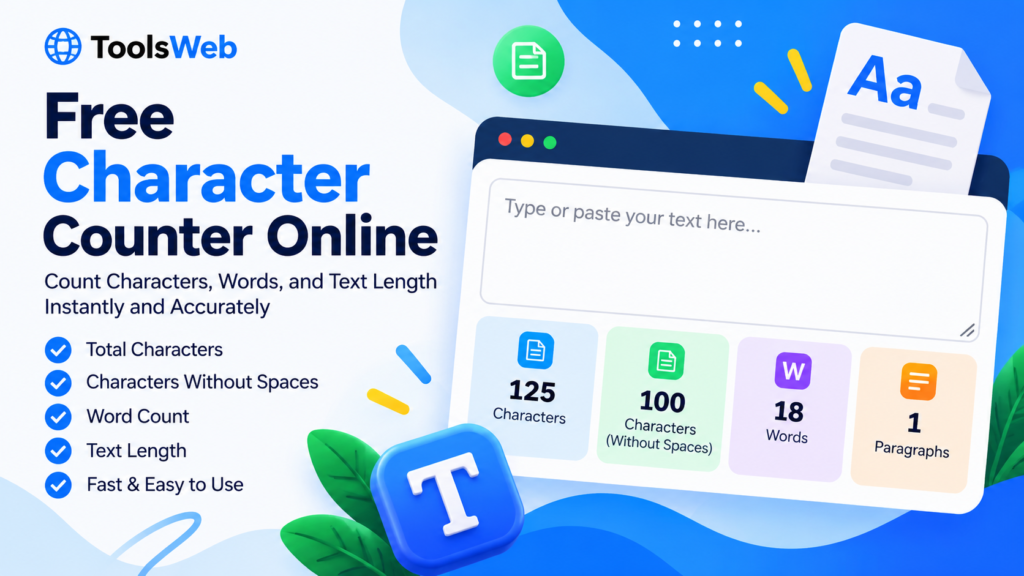
Free Character Counter
Count characters, words, sentences, and more as you type.
Your text is processed in this browser by this tool. Avoid entering sensitive information on a shared device.
A character limit can be easy to overlook when you are writing a social media post, filling out an online form, preparing an advertisement, or editing a short description. A few extra characters may be enough to push your text over the limit.
Our free character counter online helps you check your text in seconds. Paste your content into the tool above to count characters with spaces, characters without white space, words, sentences, paragraphs, letters, and numbers. The results update as you type, so you can make changes without repeatedly submitting your text.
What Is a Character Counter?
A character counter is a simple online tool that measures the length of a piece of text. It counts individual characters, including letters, numbers, punctuation marks, and spaces.
Character counting is different from word counting. For example, the phrase “Hello world” contains two words but eleven characters when the space is included. If the space is excluded, it contains ten characters.
This difference matters when a website, application, or writing platform sets a character limit rather than a word limit.
How to Use This Free Character Counter
You do not need to create an account or install software to use the tool.
- Enter your text: Type directly into the text box or paste text from another document.
- Check the character count: The first result shows the total number of characters, including spaces.
- Review the other statistics: Check the counts for characters without whitespace, words, sentences, paragraphs, letters, and numbers.
- Edit your text: Add or remove words and see the statistics update automatically.
- Copy or clear your text: Use Copy Text when you need to copy your content, or Clear Text to start again.
For the most useful result, paste the final version of your text and check it again before submitting it to another website.
Characters With Spaces vs. Without Spaces
Character counts can differ depending on how a platform defines a character limit.
Characters with spaces include letters, numbers, punctuation, spaces, and line breaks. This is useful when you need the total length of the text as entered.
Characters without whitespace exclude spaces, tabs, and line breaks. This can help when you want to see how much of your text consists of visible characters rather than spacing.
Different platforms may count line breaks, emojis, and special symbols in different ways. If you are working with a strict limit, use the counting rules specified by that platform.
Who Can Use an Online Character Counter?
A character counter can be helpful in many everyday writing tasks.
- Students: Check the length of short answers, assignments, and written responses.
- Social media users: Keep captions and posts within a platform’s stated limits.
- Writers and editors: Review text length while revising articles, headlines, and descriptions.
- Digital marketers: Check advertising copy and short promotional messages.
- Website owners: Prepare concise page titles, snippets, and other short text.
- Job applicants: Review short profile descriptions or application responses.
The tool is designed for quick text checks. It does not replace the specific validation rules of the website where you submit your content.
Character Counter vs. Word Counter
A character counter measures individual characters, while a word counter estimates how many words appear in a text.
Use a character counter when you have a character limit. Use a word counter when you need to meet a word target for an assignment, article, or report.
Some tasks require both. A short description, for example, may need to stay under a character limit while still communicating the main point clearly. Checking both counts can help you edit more efficiently.
Tips for Getting an Accurate Count
- Paste the complete text you intend to use, including punctuation.
- Check whether the target platform includes spaces in its limit.
- Review the text after making your final edits.
- Remember that emojis and some Unicode symbols may be counted differently by different services.
- Do not include extra text in the box unless you want it included in the result.
- Avoid entering passwords, private messages, or other sensitive information into online tools.
Our tool counts the text in your browser. Its results are intended as a convenient general count; a third-party platform may use its own counting rules.
Frequently Asked Questions
Is this character counter free?
Yes. You can use this character counter to check text statistics without paying or creating an account.
Does it count spaces?
Yes. The tool shows a count that includes spaces and another count that excludes whitespace.
Does the character count update while I type?
Yes. The statistics update as you type or paste text into the box.
Can I count words and sentences too?
Yes. Along with character counts, the tool displays word, sentence, paragraph, letter, and number counts.
Does the tool save my text?
The counter’s script processes the entered text in your browser and does not send it to a server. However, avoid entering sensitive information into online tools, particularly when using a shared device or browser extensions.
Why might another website show a different count?
Websites can use different rules for spaces, line breaks, emojis, punctuation, and special characters. When a limit is strict, the destination website’s own counter is the final reference.
Try the Character Counter
Paste your text into the tool above to check its length and review the other text statistics. Make any necessary edits, then copy your text when it is ready to use.
You can also try our Free Word Counter Online to review word counts and related writing statistics.
Pingback: Free Age Calculator Online – Calculate Your Exact Age
Pingback: Free Time Zone Converter – Convert Time Online